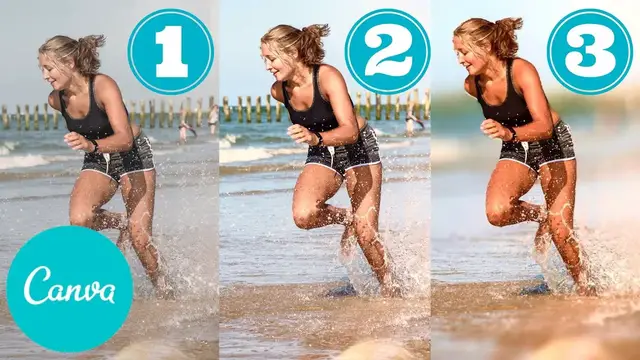

How I fixed BORING stock images using JUST canva
May 18, 2022


In this video, I'll share how I create cool blog images from stock photos in 3 simple and repeatable steps using just Canva.
It's kind of a how to use Canva tutorial, but really geared towards people who want custom featured images for their blogs that stand out.
You can sign up for Canva here: https://partner.canva.com/c/1325882/647168/10068
Here's the link to Marilyn's profile on Upwork if you want her to make these images for you as well: https://www.upwork.com/freelancers/~0166fffd1a7b6a3511
(I may earn a commission at no extra cost to you if you sign up for a paid account with these platforms. It's how I support the channel).
Here are my filter settings in Canva:
For the background image: 64786464640064326400648c4600
For the subject: 64736464640064326e00648cc800
Show More Show Less #Blogging Resources & Services
#Photo Rating Sites
#Clip Art & Animated GIFs
#Skins, Themes & Wallpapers
#Photo & Video Sharing